 agentappbuilder
For Claude Code
See every screen before your agent codes it.
agentappbuilder is a visual workspace for coding agents: your agent prototypes your app as linked screens, you point at what to change, and it builds the version you chose.
Tell Claude Code:
Connect this project to agentappbuilder.com and show me its screens.
Open to everyone: sign in with a code sent to your email, no password.
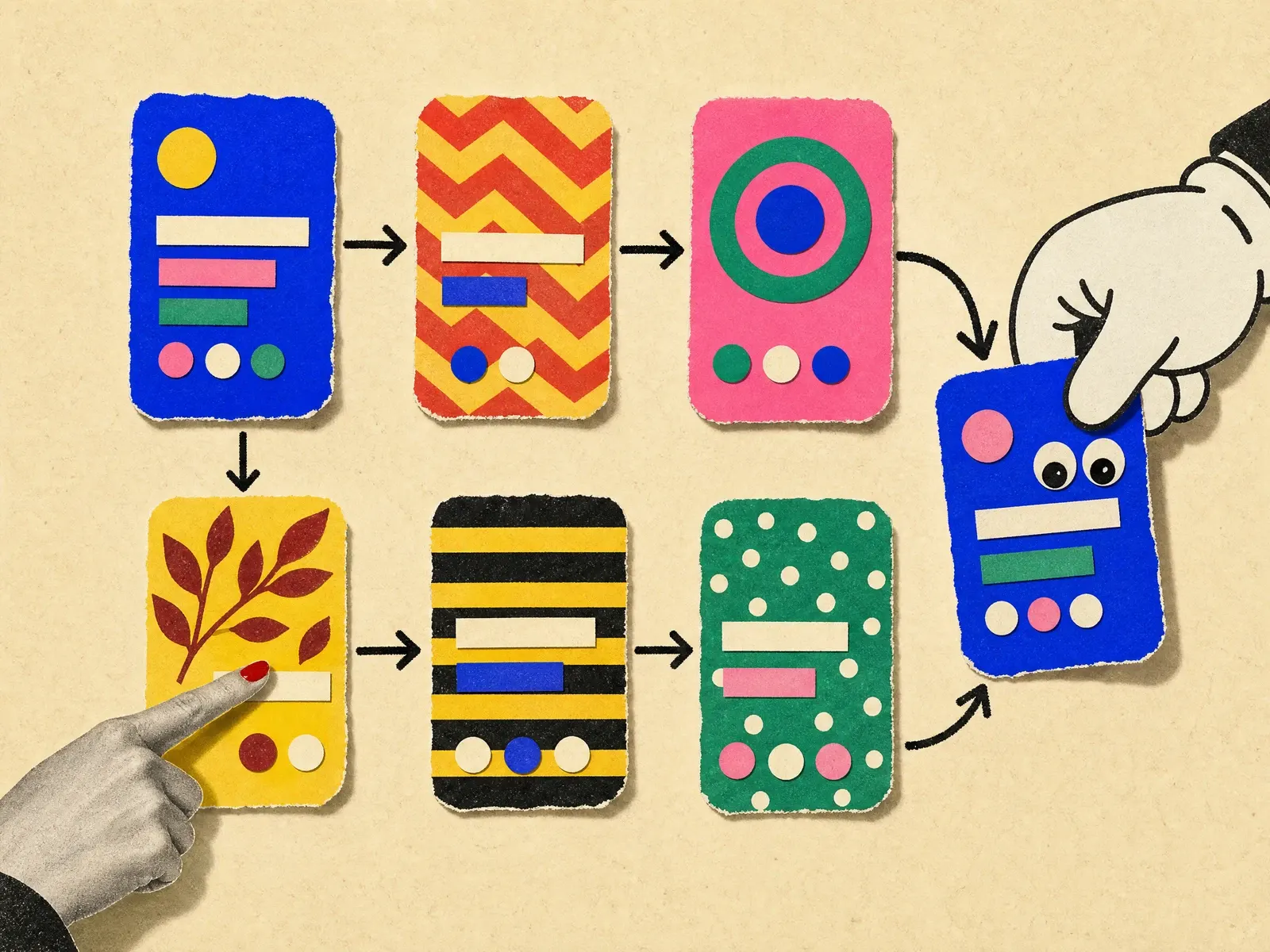
How it works
From one sentence to the version you chose.

Step 1: Connect from your chat
Tell Claude Code one sentence. It reads the guide, creates the project and gives you a claim link: no form, no token to paste.

Step 2: See your app as a map
With your go-ahead, your agent captures each state of your running app, even one that only runs on your machine, or draws it as HTML. The states are linked by the actions that lead from one to the next, and you import the captures into the prototype.

Step 3: Point, don't describe
Copy a frame URL into your chat with what to change: your agent adds a new version, older ones stay listed and can be compared side by side, and the canvas updates live. The newest version is active, and you can switch back anytime.

Step 4: Build what you chose
When you say so, your agent codes the active version in your real app and reports it. If you later pick another version, it asks you before changing production.

Three rules
What we will not trade away.
Rule 1: Your agent runs where your keys are.
Claude Code runs on your machine, with your subscription and your access. The platform never receives your Git or database credentials, and never writes to your repository or your database.
Rule 2: Prototype before code.
Interface changes are explored as disposable HTML frames, with no logic and no network. Only what you choose gets built.
Rule 3: Review screens, not diffs.
Every state of every screen has a URL. You judge one screen at a time, in your own chat.
Status
What works today, and what comes next.
Available today
In the app now
- A prototype canvas with versions, side-by-side compare and live updates.
- Editing on the canvas: double-click a screen, select an element and change its fill, stroke, radius, padding, auto layout or text; your edits become a version your agent implements.
- Variants your agent proposes side by side, and duplication of a state or a whole screen.
- A Live app canvas: your agent captures your running app, local or deployed, one screenshot per state, and you import the screens into the prototype to change them.
- Connection from Claude Code over MCP (protocol revision 2026-07-28, older clients supported) and over plain HTTP.
- Projects created by your agent and claimed with a link.
- Active and implemented versions: when you make another version active on a frame that is already implemented, your agent is told and asks you before production follows.
Coming next
Not built yet
- More of Figma on the canvas: layers, adding, removing and moving elements, editing text in place.
- An image library for each project, so screens can show real photos.
- A read-only GitHub connection for pull requests and CI.
- The plan your agent keeps in plan.md.
- Live frames that load a deployed staging of your app in the canvas.
- The quality harness (specs, tests, CI) your agent installs in your repository.
None of these is available today. The docs say so wherever they come up.
Security in brief
Built so that a compromised platform holds nothing that can act on your systems.
Keys are hashed
A project key is 32 random bytes. Only its SHA-256 hash and a short prefix, to tell keys apart, are stored, and each key opens a single project.
Row level security everywhere
Every table has row level security, enforced by the database: your agent's key sees its own project and nothing else.
Prototypes stay offline
Prototype HTML renders in sandboxed frames, with a content security policy that blocks every network request.
Private captures, in the EU
Screenshots of your app sit in a private bucket. Project members and your agent read them through signed links valid one hour. The database and the bucket run in eu-west-1, Ireland.
Guides
Prototyping apps with coding agents.
Workflow
How to write a change request for an AI coding agentWrite a change request for an AI coding agent that it gets right the first time: point at one place, state the scope, define done. Templates included.
Claude Code
Claude Code auto mode blocked an action? What to do nextWhy Claude Code auto mode blocked an action, what the classifier reads, and three fixes: a precise message, a trusted host, or a retry in /permissions.
Claude Code
Claude Code MCP server setup: add, scope, check and removeAdd a Claude Code MCP server step by step: the claude mcp add command, local, project or user scope, passing a key safely, checking status, removing it.
Claude Code
Claude Code prompts for UI that produce better screensClaude Code prompts for UI work: the five parts of a good request, prompts to copy, and how to get every screen state before the code changes.
Prototyping
How to compare design variants before writing any codeA method for design variants before code: how many to make, what should differ, how to judge them side by side, and a prompt for your coding agent.
Screens of a real app
Demo data for screenshots of your app: a privacy checklistA privacy checklist for demo data for screenshots: what leaks into app captures, how to seed safe fake data, and what to check before an image is shared.
Get started
Start with one sentence.
Tell Claude Code:
Connect this project to agentappbuilder.com and show me its screens.